
Any image, any card
Drop a PNG or JPG on a card and it becomes the skin. Photos, artwork, brand graphics, your dog — your call.
Every card in Apple Wallet, in a design you choose. Plug in your iPhone, drop an image on each card, hit Apply. Done in under a minute. ‑15% launch sale ends in 24:00:00
The same card you tap every day, with the design you picked, sitting in Wallet on your iPhone.
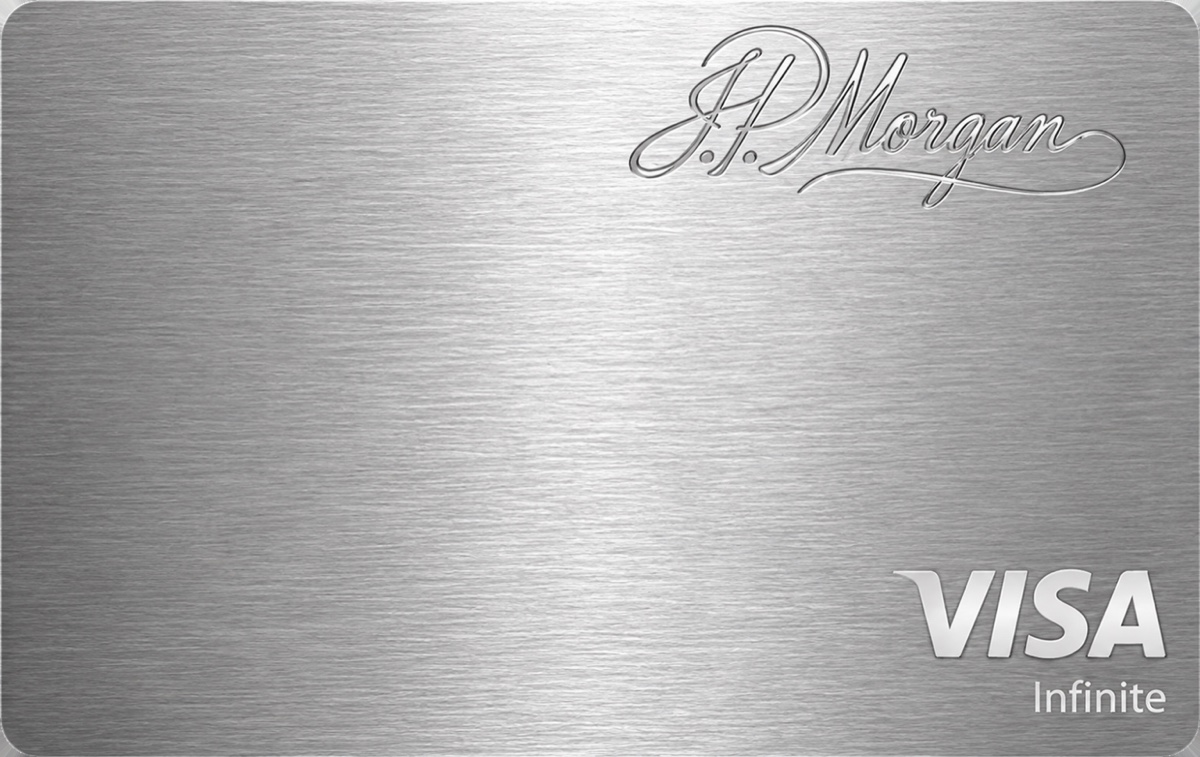
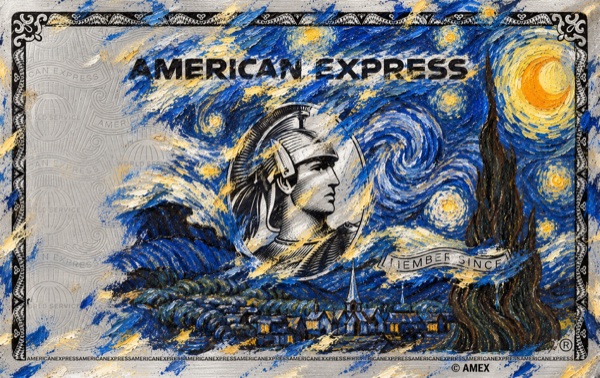
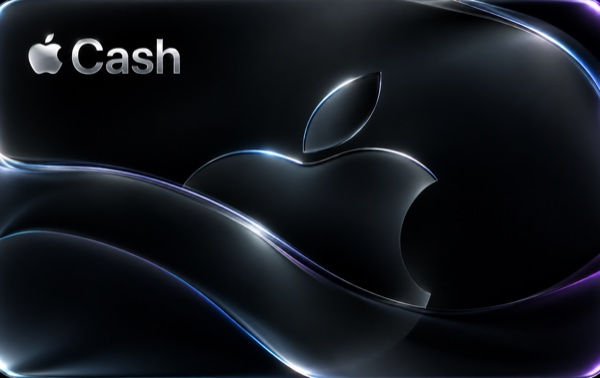
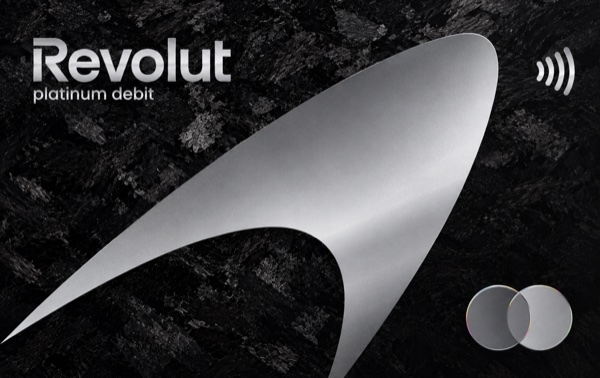
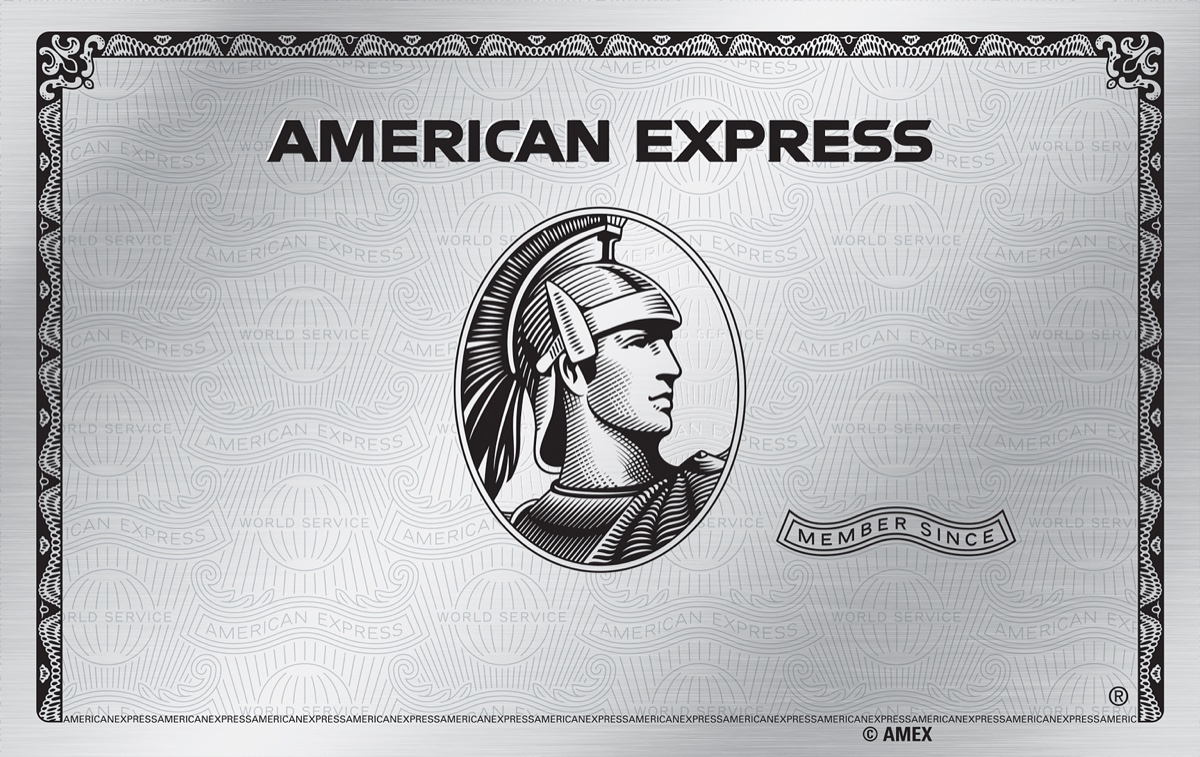
Click the card. Every click flips it to another design — Amex Platinum, J.P. Morgan, Wolf of Wall Street. Yours can be anything.
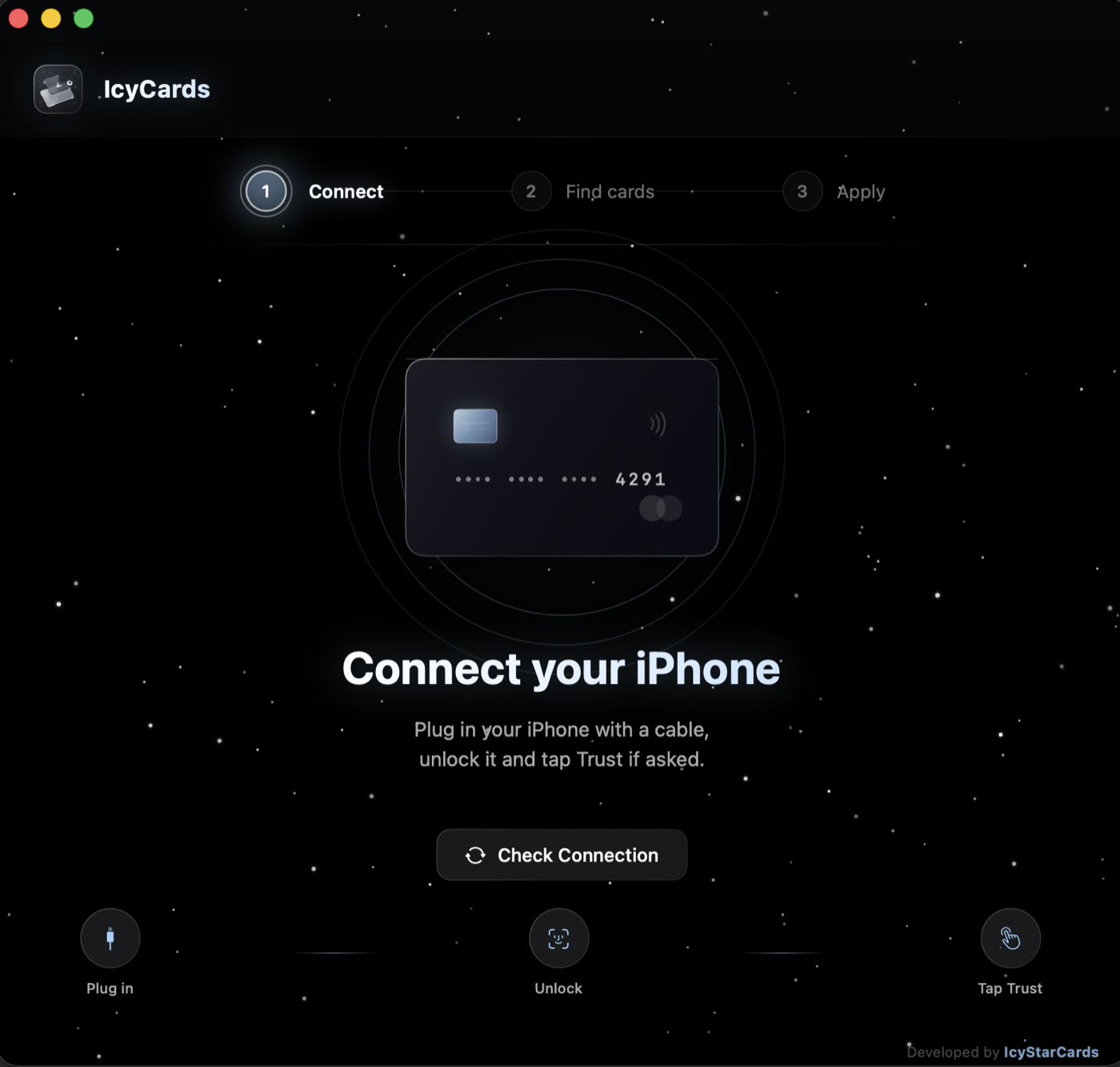
Connect with a cable, unlock the phone and tap Trust if asked. IcyCards shows the phone name the moment it sees it.
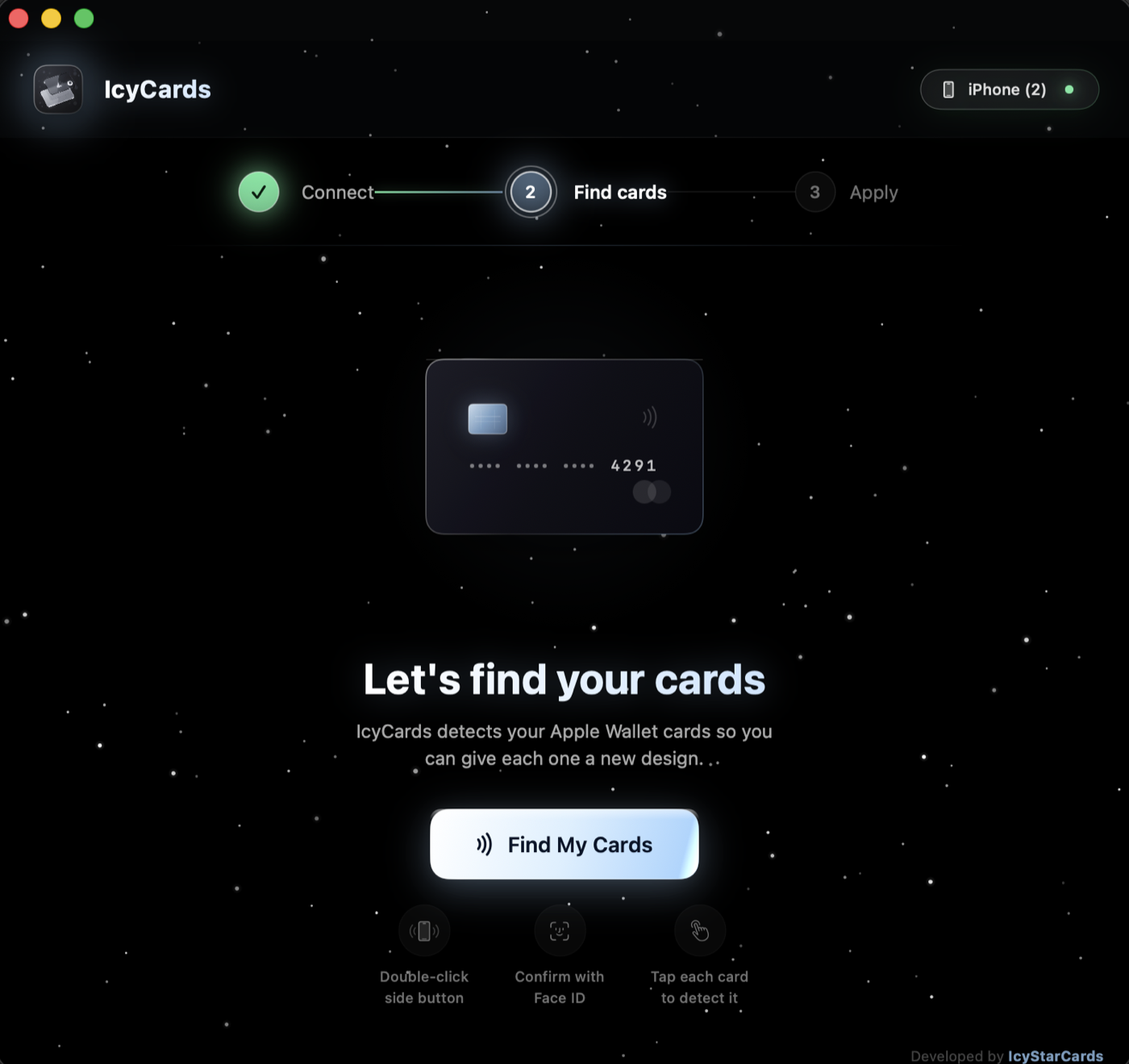
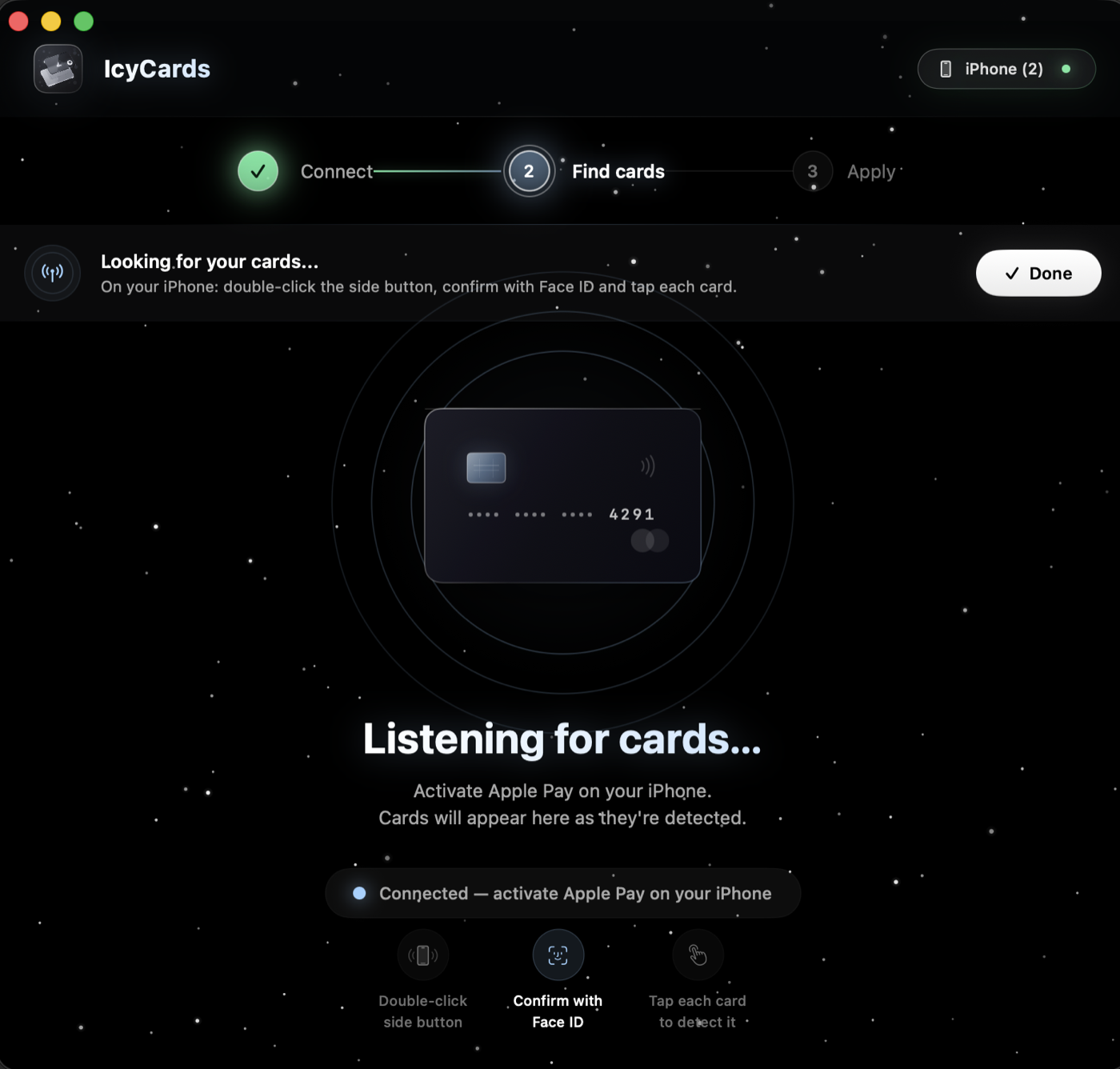
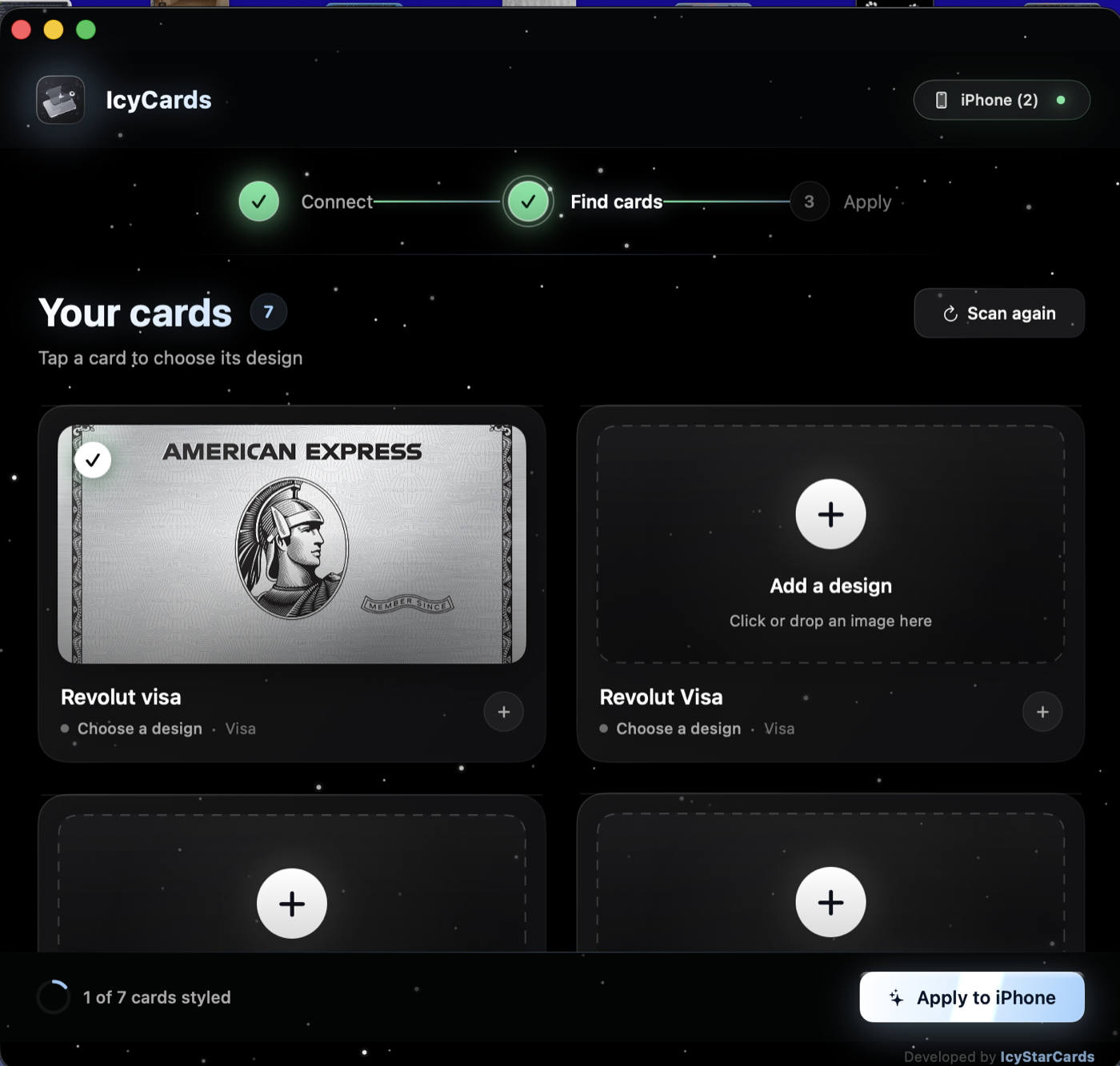
Press Find My Cards, double‑click the side button on your iPhone, confirm with Face ID and tap each card. They pop up live in the app.
Click a card, choose any image or drop one in. Hit Apply to iPhone, open Wallet, done. Change a design anytime and apply again.
These are real screens from IcyCards 1.0. Click a step to see it.
Drop a PNG or JPG on a card and it becomes the skin. Photos, artwork, brand graphics, your dog — your call.
Activate Apple Pay on your iPhone and IcyCards picks up each card as you tap it. No typing card details, ever.
Pick designs for all your cards, press one button. A progress bar tells you exactly where it is. Open Wallet when it says All set.
Swap a design, hit Apply again. Your cards keep working exactly as before — only the look changes.
Each card gets its own image. See all of them in one grid with a ready badge on the ones you've styled.
No time to design? Grab the app with 50 or 100 ready‑made card designs — minimal, dark, pastel, metallic, seasonal. Drop and apply.
Put my own photo on my Revolut card in like a minute. Showed it to three people at lunch and they all asked what app it was.
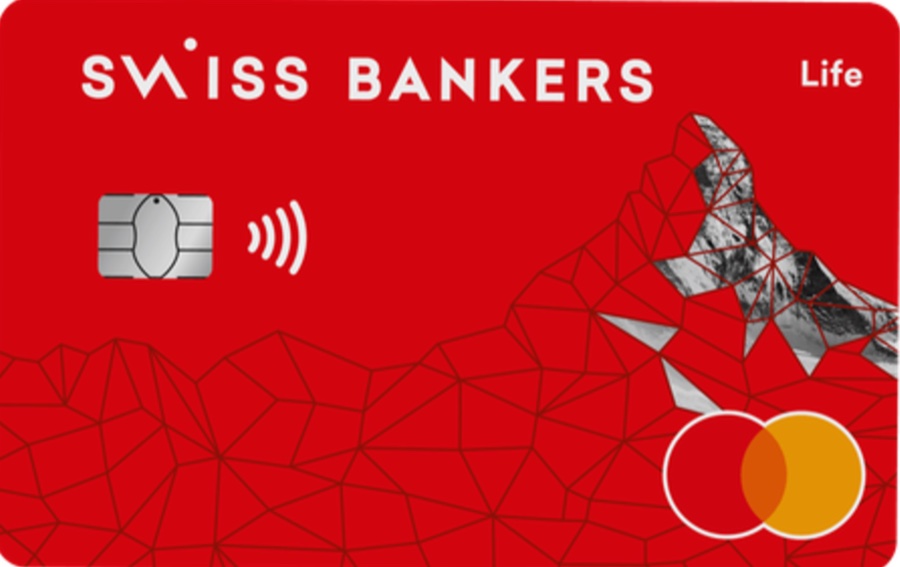 her card now
Black with little stars, every card in a grid, drop image, apply. That's it.
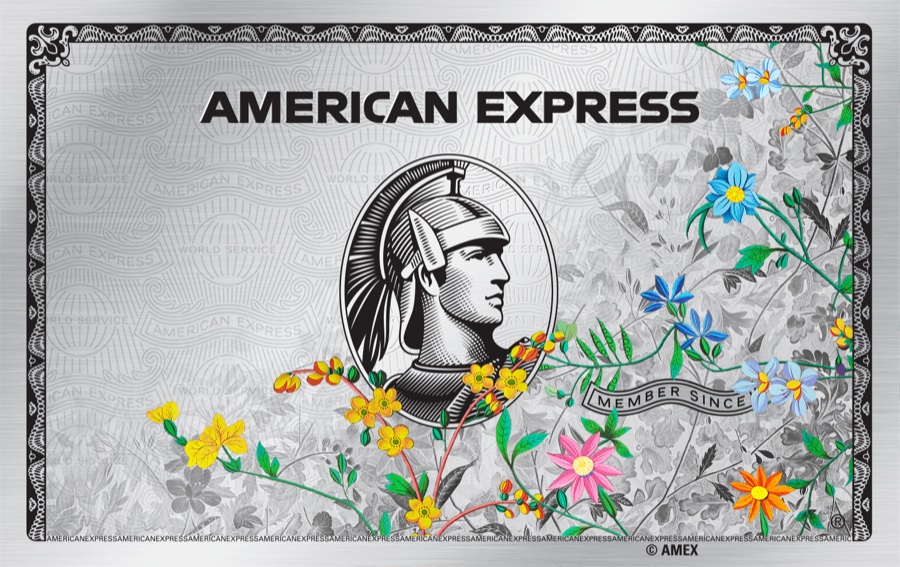 his card now
Finding the cards took 20 seconds, applying was one click. Wallet looks like a different app.
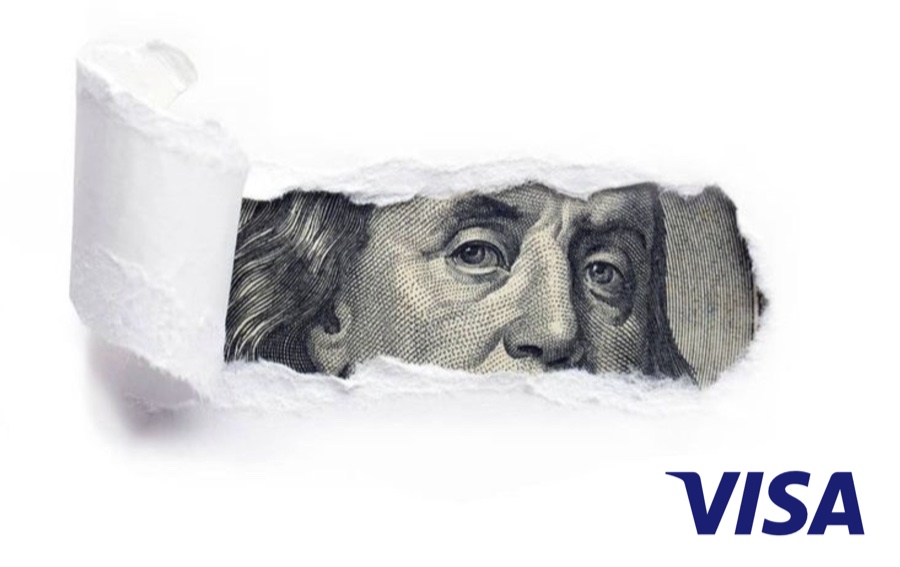 his card now
I have 5 cards and they all looked the same grey. Now each one has its own artwork and payments work exactly like before. Support answered my question about Trust within an hour.
Secure checkout by Stripe · private download page right after payment · digital product, no refunds (policy)
Get IcyCards, plug in your iPhone and give every card a look that's actually yours. ‑15% ends in 24:00:00.
Get the app · from €6.99›Last updated: October 2026
IcyCards is an application that runs locally on your computer. It communicates with your iPhone over a USB cable to apply card designs you choose.
Questions: support@icystarcards.com
Last updated: October 2026
IcyCards is a digital product delivered instantly after payment. Because the download is made available immediately, all sales are final once the download page has been opened.
EU / EEA customers — right of withdrawal. Under Directive 2011/83/EU (Art. 16 m) the 14‑day right of withdrawal does not apply to digital content once delivery has begun with your prior express consent. By completing the purchase you expressly request immediate delivery and acknowledge that you lose your right of withdrawal as soon as the download page is made available to you. This consent is also shown on the Stripe payment page before you pay.
Works‑or‑we‑fix‑it. If IcyCards does not run for you, e‑mail support@icystarcards.com with your order reference and we will personally get it running. If we can't, we'll refund you.
Duplicate payments are always refunded. Just write to us.
Last updated: October 2026
By purchasing and using IcyCards you agree to the following.
Last updated: October 2026
IcyCards is developed and published by IcyStarCards.
Contact: support@icystarcards.com
Apple, Apple Wallet, Apple Pay, iPhone and Mac are trademarks of Apple Inc. All other trademarks belong to their respective owners.